Building MCP Profile Hub part 2, one MCP server is the wrong abstraction
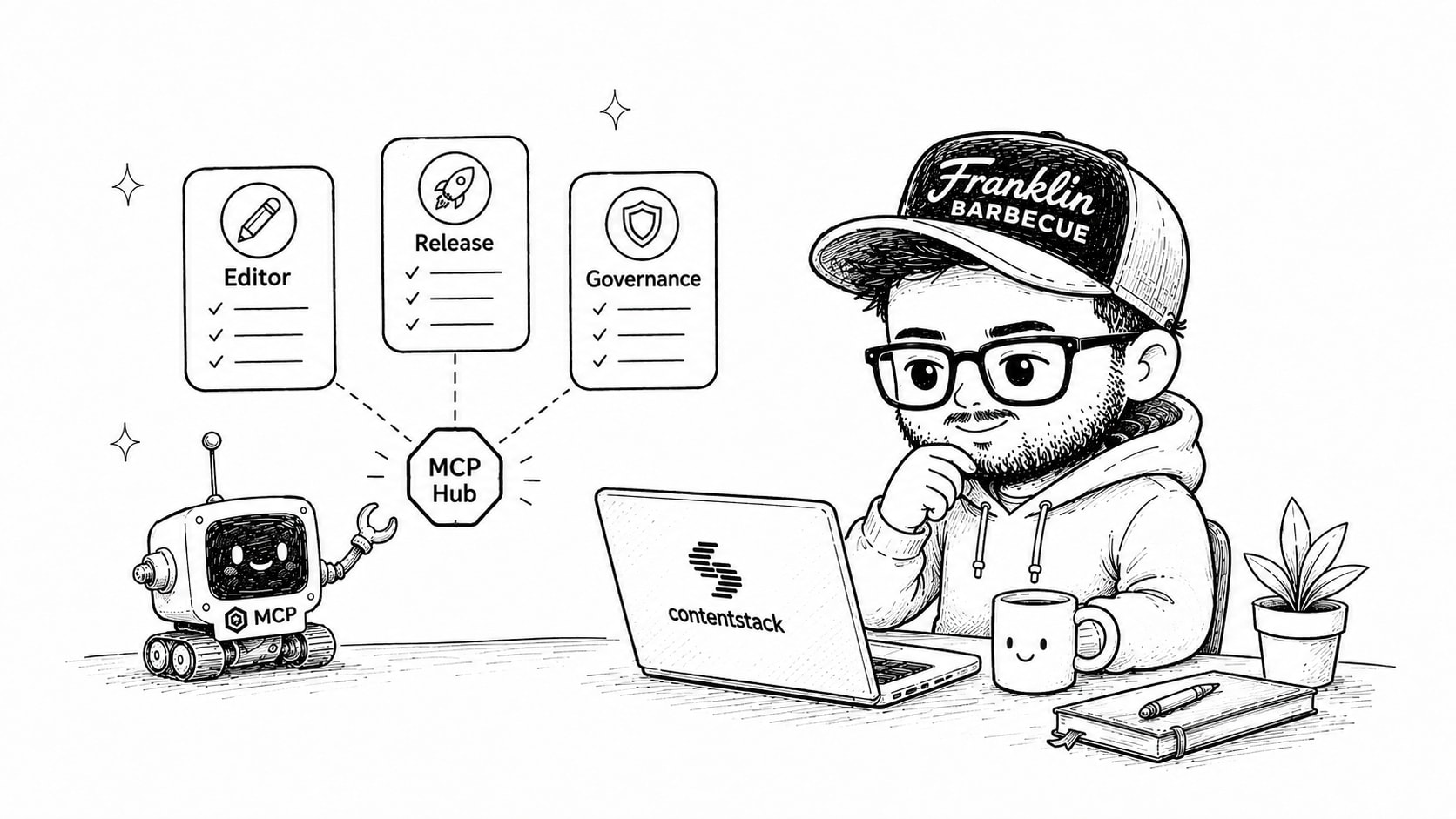
The first article in this series covered what happens when tools arrive with real account context. This second part is about the unit we use to package those tools in the first place: the managed profile at the centre of MCP Profile Hub, which my team created at Contentstack.
Imagine an editor, a release manager, and somebody responsible for content governance connecting to the same MCP server.
The editor wants to find entries, inspect a content type, and make a few safe updates. The release manager needs environments, releases, branches, and deployment operations. The governance person mostly wants to inspect structure and permissions without changing content at all.
Giving all three people the complete Contentstack tool catalog would be easy. It would also mean that each model has to choose from tools its user will never need, while every permission conversation starts with the largest possible surface.
This is the architecture most MCP servers inherit from the APIs underneath them. The platform has one API, so it gets one server. The server has every tool, and the client is expected to disable or ignore the irrelevant ones.
We decided that the useful unit of MCP configuration is the job, not the platform.
What a managed profile contains
A managed profile is a hosted MCP configuration for a particular job, team, or access boundary. It can contain individual tools from across Contentstack, deterministic Automations, and HTTP-triggerable Agent OS agents. Profile Hub also adds the account context those tools need when someone connects.
Instead of giving a content editor every capability Contentstack exposes, you might give them tools to search entries, read content models, update a defined set of fields, and run one approved translation Automation. A release manager gets another profile built around releases and environments. Both connect to Contentstack through MCP, but the model sees a surface shaped around the work in front of it.
This reduces the decision space before permissions even enter the discussion. Models are better at choosing the right tool when the catalog is smaller and the tools belong together. Humans benefit too because a profile is much easier to review than a list containing everything the platform can do.
The profile is managed in one place rather than copied into configuration files on every laptop. It can be duplicated and changed for another team, exported as JSON, or imported into another environment. Connecting a client is one command with the profile URL.
Starting from a job instead of a catalog
MCP Profile Hub ships with 28 predefined profiles. Twenty-one are shaped around work people actually do, with names such as Content Explorer, Release Manager, Localization Gap Finder, Governance Inspector, and Taxonomy Librarian. The other seven expose complete product catalogs for teams that genuinely need that breadth.
Those starting profiles are not meant to predict every customer’s organisation. They give people something more useful than an empty picker and something safer than a button labelled “enable everything”.
Ten catalogs are available when a team wants to compose its own profile. A profile can take a few CMS tools, add a Launch operation, include one Brand Kit capability, and expose a particular Automation. The boundaries do not have to match the way Contentstack packages products because a person’s job rarely follows a product menu that neatly.
I think this is where profiles become more than presets. A preset saves somebody a few clicks during setup. A managed profile remains the named boundary through which people connect, authenticate, run tools, and leave an audit trail.
Managed does not mean shared identity
Central management creates an obvious security question. If a team shares a profile, are they also sharing its credentials?
They are not. The person connecting authenticates as themselves. Profile Hub derives the OAuth scopes required by the tools in that profile, then the user’s existing Contentstack role still decides whether an operation is allowed when it runs.
This produces a useful rule:
A profile can narrow what someone can do, never widen it.
An administrator can remove destructive tools from a profile or grant access to one Automation without exposing the others. They cannot use the profile to give an editor a Contentstack permission that editor did not already have.
The distinction matters because tool curation and authorization are often treated as the same thing. They are related, but hiding a tool from a model is not an authorization system. The profile controls the capabilities presented to the client, while Contentstack still enforces the user’s identity at execution time.
I will get into how the OAuth grant is computed in part four. It took more care than adding a scope checklist to an admin page, mostly because we wanted the tool selection and permission request to be incapable of drifting apart.
A profile should be reviewable
One reason giant MCP servers make me uncomfortable is that their boundaries are hard to explain. “This assistant can use the Contentstack MCP” tells a reviewer almost nothing. Does it only read published entries? Can it change a content model? Can it trigger a release? Does it have access to every Automation?
A named profile gives that conversation something concrete. The tools can be inspected individually. Every Automation has its own line in the profile instead of hiding behind one generic flow trigger. The OAuth scopes are visible before somebody connects.
Calls are recorded per user, along with the AI client that made them. A centrally managed profile therefore does not collapse a team into one shared actor. If the same profile is used from Claude Code, Cursor, and a browser client, the audit trail retains those distinctions.
The client name currently comes from its User Agent, so I would not pretend it is a cryptographic identity. It is still useful operational context and much better than an audit record that only says an organisation called a tool at some point.
Profiles make MCP look more like a platform
The first version of an MCP integration is usually about connectivity. Can the model call the API at all? Once that works, the harder questions appear quickly. Which tools should a particular person see? What context should arrive with them? Who controls the configuration? How do we reproduce it in another environment? What happens when the same connection is used by fifty people with different roles?
Managed profiles are our answer to that set of problems. They let Contentstack expose a large capability surface without pretending every model and every person should receive all of it at once.
I expect this pattern to spread beyond content platforms. Enterprise systems contain too many operations, too many roles, and too much tenant-specific context for one universal MCP endpoint to remain pleasant for long. A sales profile, support profile, and finance profile may connect to the same underlying platform while presenting very different tools and safeguards.
Calling all of those connections “the company MCP server” hides the part people actually need to reason about. The profile is where capability, context, and identity meet.
Next in the series
While testing the context enrichment described in part one, we found something that changed how I configure models for this kind of work. Increasing the reasoning effort made the CMS tasks slower, more expensive, and occasionally worse. Part three goes through the evaluation, including the model that received a correct answer and then searched until it ran out of turns.
On this page
Related articles

Building MCP Profile Hub, part 1: Stop making the agent ask
Introducing MCP Profile Hub. I explain why enriching tool definitions with tenant-specific context dramatically improves agent performance. Instead of exposing generic CMS tools that force models to discover content types, environments, locales, and branches through multiple lookup calls, Profile Hub injects real account data directly into JSON Schemas as enums, defaults, and descriptions. This reduces tool calls, latency, and reasoning tokens while avoiding misleading examples and invalid defaults. The piece also covers the production engineering behind enrichment, how Automations and Agent OS agents are exposed as high-level deterministic tools, and why reusable HTTP-based tool definitions let teams run their own MCP runtimes. The core takeaway is that fewer, richer, context-aware tools beat large generic catalogs for real-world agent workflows.
- Composable architecture
- AI engineering
- API design

Skills over MCP explained: how the new extension delivers workflows alongside tools
How the new MCP Skills Extension works, from skill discovery and on-demand loading to content verification, workflow guidance, and managed profiles.
- Composable architecture
- AI engineering
- API design

The Doer Economy - we are killing the translator class
This article argues that AI is collapsing the distance between vision and execution, ushering in a Doer Economy where the primary winners are those who can both imagine and build. The traditional corporate stack of translators (product managers, marketers, and multiple layers of management) is shrinking because executional tasks are increasingly handled by AI. Founders and CEOs are moving closer to product, validating ideas directly with AI-generated scaffolds and modern SaaS primitives. For individuals, the value has shifted from narrow, ticket-driven skills to end-to-end ownership, product thinking, and understanding users. The future belongs to people who ship, iterate quickly, and leverage AI and SaaS platforms to focus on business logic and user experience, rather than those who only manage the builders.
- Composable architecture
- AI engineering
- API design