Development 101 for non-technical vibe coders
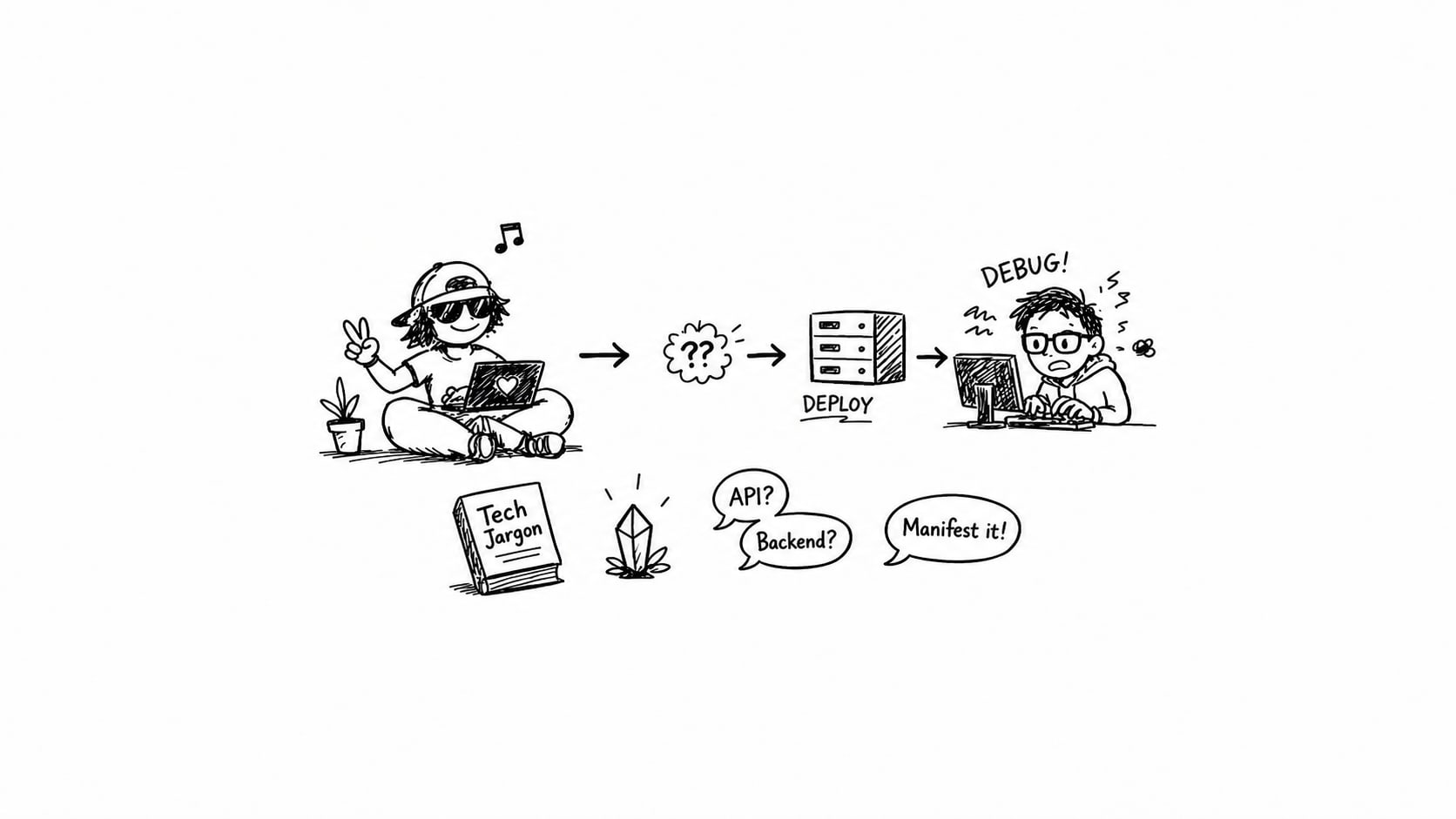
When folks think they’re failing at AI coding, they’re usually failing at their laptop.
Projects randomly stop working. Agents give nonsense fixes. Ports are mysteriously blocked. Installs fail for no clear reason. Things work one day and break the next. After hours of debugging, it turns out the project was sitting in iCloud, half-downloaded, with 4 GB of disk space left.
That’s an environment problem AI makes worse, because agents assume your machine is sane. If it’s not, they will confidently guide you deeper into the hole.
I see some gaps
AI lowered the barrier to building apps. It didn’t lower the barrier to understanding your own computer.
I’ve written before about treating AI agents like very fast junior developers who need clean environments to work in, and about how getting better at vibe coding means getting better at the fundamentals underneath it. This post is the layer below both of those. Before you can brief an agent well, before you can even tell whether it’s the code or the model that’s failing, your machine has to be a predictable place.
That means awareness of three boring things: the file system, storage, and running processes. Skip those and you get a fragile setup that breaks in ways nobody, human or agent, can debug.
Your project has to actually exist
This sounds stupid, but it’s the root of a lot of pain.
If your project lives in Desktop, Documents, or anything synced with iCloud, Dropbox, or OneDrive, you’re playing with fire. Those services offload files, replace real files with placeholders, mess with permissions, and introduce locking. Your code might look like it’s there. It might not be. When tools or agents try to read or write, things break in ways that make no sense.
Pick one folder. Call it ~/Code or ~/Projects. Put everything there. No syncing, no magic, just files on disk.
npm install is not a small thing
When you run npm install, you’re not installing a few packages. You’re pulling in an entire dependency tree. Thousands of files per project. Sometimes hundreds of megabytes. Sometimes gigabytes.
Multiply that by ten projects and you can easily end up with a hundred thousand files and hundreds of gigabytes of data you’re not even using. Your machine slows down or crashes, and the problem looks like it’s somewhere else.
The fix is simple once you know it. node_modules is disposable. Every project has its own copy. When you stop working on something, delete the folder and reinstall later if you come back. That one habit saves more disk space than anything else you can do.
Ports are occupied, not assigned
Another common confusion: people think they assign ports to projects. That’s not how it works. A port is just whatever a running process is currently using. If something is already running on 3000, your new app can’t use it. You’ll get errors, or worse, weird behaviour.
What matters is what’s currently running and whether you stopped previous processes. If three dev servers are open and you’ve forgotten about two of them, you have three processes competing for ports. The randomness is invisible, not random.
Disk space is part of your runtime
If you have 4 GB free, you have a ticking time bomb for a development environment.
Modern tooling assumes room for installs, builds, caches, and temp files. When you run out, installs fail, builds fail, processes crash, and the error messages are often useless. Keep at least 20 to 30 GB free. More if you’re juggling multiple projects. Treat disk space the way you treat memory: it’s not where your code sits, it’s what your code needs to run.
Let’s up-skill everyone
Telling people to “just understand their computer” is easier said than done. Operating systems have spent fifteen years hiding the file system from users. macOS actively pushes you toward iCloud. Windows defaults to OneDrive. The whole UX is designed around not thinking about where files live.
And there’s a real argument that vibe coders shouldn’t have to care. In a better world, tooling would detect cloud-synced folders and warn you. IDEs would flag low disk space before an install fails. Package managers would clean up unused trees automatically. Some of this is coming, slowly.
But we’re not there yet. Until the tools catch up, the gap is yours to close. That’s not fair, but it’s the reality of building software in 2026.
Concluding
Before you blame the AI, check the boring layer. Is the project in a local folder? Do you have enough disk space? Are the files actually on your machine? Is something else already running? Did the install complete?
If any of those are off, the agent is working with a broken environment, and no amount of prompt engineering will fix it.
Your laptop is part of the stack. If that layer is unstable, everything above it becomes unreliable. Your code, your tools, your agents. Make your environment boring before you optimise prompts, frameworks, or architecture.
After you master these basics, go to the next step: the vibe-coded app architecture guide.
On this page
Related articles

I thought everyone was building tools for themselves
At ContentCon, I realised building tools for yourself still feels unfamiliar to many developers. Coding agents help, but finding a starting point matters too.
- AI engineering
- Craft
- Developer experience

Want to be better at vibe coding? Become a better coder
The promise of AI-powered development is seductive, but here's the reality check nobody's talking about - the better you understand code, the better your AI-generated results will be. LLMs code like humans with high IQs and unstoppable work ethic. Treat them as junior developers and learn the fundamentals to multiply your vibe coding power.
- AI engineering
- API design
- Cloud & infra

Model choice became a billing decision
Cursor's $60 Pro+ plan is now a legacy subscription, replaced by a $100 Super plan that bundles Grok and bills Claude, GPT, and Gemini at API rates from the first request. Inference is getting cheaper, but agentic workflows and ecosystem pricing are sending the bill the other way.
- AI engineering
- Developer experience
- Product strategy