The case for boring setups
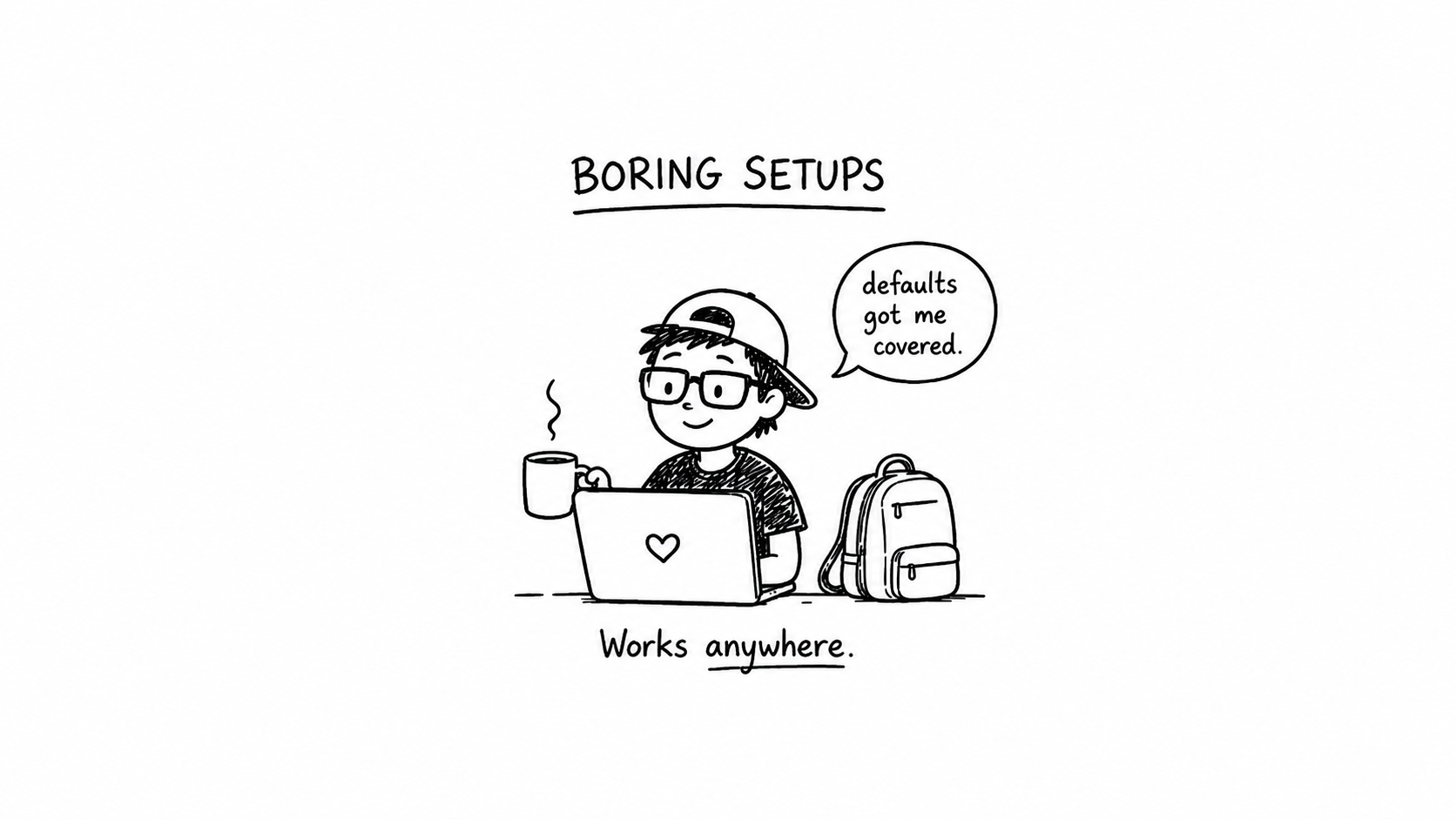
I asked a colleague to jump on my laptop a few years ago to help me debug something, and within about thirty seconds we both realised they couldn’t use my computer.
My shell prompt was a sprawling work of art that somehow took up two full lines before he could type anything. ls was aliased to something he didn’t recognise. g meant git, but gco, gcb, gcom, gp, gpf all meant different things and I couldn’t explain them fast enough for it to help. My IDE setup had a key binding scheme I’d sculpted over years. My keyboard was remapped so caps lock was escape, and some of the letters were in places he didn’t expect.
They spent the first ten minutes not debugging my problem. They spent them learning my machine. I stood next to them apologising.
I wasn’t doing anything wrong, exactly. Every one of those customizations made sense to me. They had been added, one at a time, over years. Each one probably saved me a handful of keystrokes a day. But the net effect was that my laptop was unusable to anyone else on the planet, including a capable engineer I actually needed help from.
This was part of becoming a senior engineer. It’s a learning curve that spans many areas. That moment shifted how I think about tooling.
And right now I’m watching the exact same thing play out with AI.
The AI version of the trap
Look at what’s happening in the agent space. People are going wild with custom harnesses. pi.dev is a beautiful example of what’s possible, a genuinely impressive, carefully-crafted harness that lets you orchestrate agents in ways the stock tools don’t. I love it. I had to stop myself from diving headfirst into the rabbit hole.
Because the pattern is identical to the one I fell into with my shell.
Dozens of MCP servers registered at once. Custom skill files layered on top of each other. Elaborate prompt chains and subagent orchestrations for tasks that would work fine with a clean chat and a clear request. Cursor configs that look like someone’s old vim setup, bloated with rules and hooks that nobody can fully explain anymore.
It looks like leverage. It’s usually drag.
The agents I’ve built that actually work well are the ones running closer to stock. Minimal MCP surface area. A small, focused set of skills that each earn their place. A plain shell the agent can reason about without me having to explain my aliases to it. When I want more capability, I add it deliberately and remove it the moment it stops pulling its weight.
The same question applies to agents as to editors. Can you still get work done if you pull half the configuration out? If the answer is no, you haven’t built a system. You’ve built another trap, just with newer technology.
The tax nobody measures
The seductive thing about configuring your environment, human or agent, is that every change feels like a win. You add an alias, you save two seconds. You install a zsh plugin, you get nicer autocompletion. You register another MCP server, you feel like your agent just got smarter.
The gains are immediate and visible. The costs are invisible and cumulative.
Every config line is something you have to maintain. Every alias is something you have to remember. Every remapped key is a small wedge between you and any machine that isn’t yours. Every extra tool in an agent’s context is reasoning overhead and a chance to hallucinate. You don’t notice these costs until the day you need to work somewhere else, or the day your agent picks the wrong tool out of fifty, and suddenly you realise your productivity was about the environment you spent years training, not you.
I’ve watched people get stranded at conferences because the demo laptop didn’t have their aliases. I’ve watched people spend a Saturday rebuilding their dotfiles repo after a hard drive failure instead of shipping the thing they wanted to ship. I’ve done it myself. Multiple times.
Defaults are a forcing function
What I’ve come around to is the idea that running closer to defaults is a skill, not a failure.
When I use the standard git commands instead of my aliases, I can sit at anyone’s machine and still work. When I use VS Code with minimal config, I can jump between machines, between operating systems, between rented cloud environments, and be functional in thirty seconds. When my shell prompt is the stock one, I don’t have to think about it when I SSH into a server that doesn’t have my dotfiles.
More importantly, defaults are a forcing function for adapting to new tools and new paradigms. The developers I know who still use the same vim configuration they wrote in 2014 are also, somehow, the developers who find it hardest to adopt new editors when those editors become genuinely better. The configuration locks them in. Not technically, but emotionally. They’ve invested too much to walk away.
The same thing is starting to happen with AI harnesses. The engineers who built elaborate agent setups six months ago are now the ones defending them instead of trying the simpler thing that just shipped. Sunk cost is sunk cost, whether it’s vim or a prompt chain.
Running lean means you’re always one fresh install away from trying something new.
The test I use now
Whenever I’m tempted to add something to my config, whether it’s a shell alias, an IDE plugin, or a new MCP server, I ask myself a version of the same question: would I be willing to explain this to a new teammate and defend why it earns its place?
If the answer is yes, the customization stays. If the answer is “well, I saw it on a blog post and it seemed cool,” it doesn’t.
The default is the default for a reason. Usually that reason is that thousands of people have used it, the sharp edges have been filed down, and it’s documented somewhere. Deviating from that isn’t free, even when it feels clever. There are absolutely cases where specialized work demands heavy configuration, kernel hackers, embedded engineers, accessibility tooling, but most of us are writing web apps and shipping features, and we configure as if we’re doing something much more exotic than we actually are.
Concluding
The developers I admire most aren’t the ones with the most intricate setups. They’re the ones who can sit down at any machine, anywhere, and get to work. Their productivity isn’t a property of their laptop but a property of them.
Your setup should help you work anywhere, not stop you from working anywhere else.
On this page
Related articles
Claude Desktop MCP lifecycle is broken
Claude Desktop currently launches duplicate local MCP stdio servers for a single configuration, causing two independent OAuth flows, extra browser tabs, and unnecessary resource usage. The bug is masked once credentials are cached, so it silently persists in production while still spawning two processes every time. This is not an mcp-remote or external service issue but a host-level lifecycle problem, likely caused by overlapping legacy and new MCP managers and poor observability for one of the processes. Workarounds like pre-authenticating with mcp-remote mitigate UX pain but do not fix the duplication. The article argues that open-source tools should not shoulder complex coordination logic just to survive a major desktop app’s sloppy process management.
- Composable architecture
- AI engineering
- Performance

Buy the plumbing, vibe the rest
AI makes it tempting to cancel SaaS tools and prompt your own internal platforms into existence, but that often creates brittle systems that are “a mile wide and an inch deep.” Performance, security, and edge cases quickly become serious problems, and suddenly your team is doing database administration and security engineering instead of solving business problems. A better pattern is to buy robust, headless infrastructure for the hard, invisible parts (content, data, security, scaling) and then use AI to build bespoke experiences on top. With a solid SDK and stable backend services, AI tools like Claude can safely orchestrate UI and workflows instead of guessing at architecture. Pay for the plumbing, and vibe on the interface layer where your differentiation really lives.
- Composable architecture
- AI engineering
- Frontend

The Doer Economy - we are killing the translator class
This article argues that AI is collapsing the distance between vision and execution, ushering in a Doer Economy where the primary winners are those who can both imagine and build. The traditional corporate stack of translators (product managers, marketers, and multiple layers of management) is shrinking because executional tasks are increasingly handled by AI. Founders and CEOs are moving closer to product, validating ideas directly with AI-generated scaffolds and modern SaaS primitives. For individuals, the value has shifted from narrow, ticket-driven skills to end-to-end ownership, product thinking, and understanding users. The future belongs to people who ship, iterate quickly, and leverage AI and SaaS platforms to focus on business logic and user experience, rather than those who only manage the builders.
- Composable architecture
- AI engineering
- API design