Your legacy patterns are technical debt in modern architecture
We’re in the middle of a migration crisis. Developer teams racing from legacy systems to modern architecture are bringing their old habits with them, and it’s killing projects down the line. The pressure is real - executives demanding faster results, budgets tightening, competitors moving ahead - but the rush to migrate without adapting to new paradigms is a guaranteed path to failure.
I’ve seen it play out dozens of times. Teams spend months planning a migration, burn through their budget, ship the new system, then wonder why it’s slower, more brittle, and harder to maintain than what they left behind. The problem isn’t the new technology. It’s that they’ve built a modern system with a legacy mindset.
The legacy patterns that become technical debt
Let’s talk about the specific patterns teams carry over that turn into massive technical debt in modern systems.
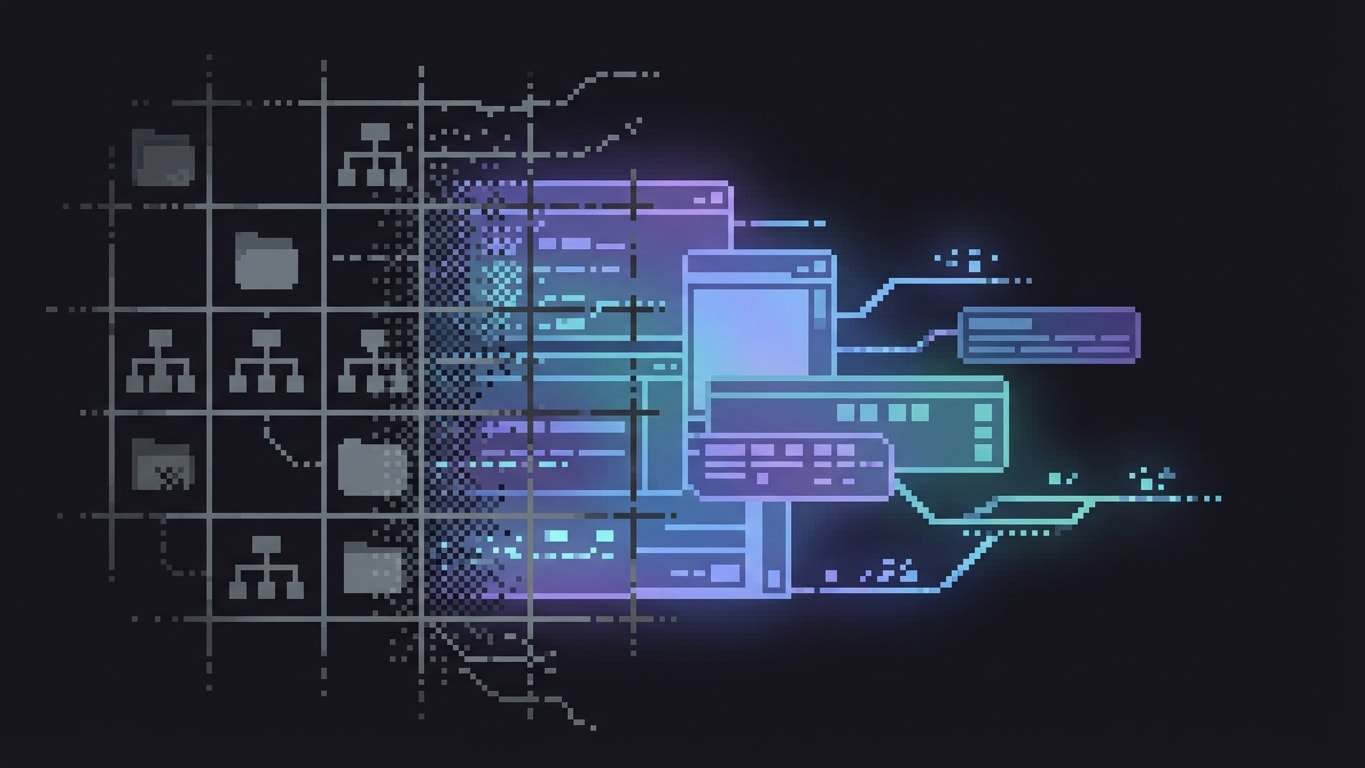
Tree as the source of truth. In many legacy CMSs, information architecture equals a folder tree, and content identity is “where it lives.” When you migrate this thinking to a modern headless CMS, renames and moves become breaking changes. URLs get coupled to navigation. “Same content in two places” turns into duplication hacks.
Here’s the real-world impact: A /Products/2026/Cameras restructure silently breaks integrations, search boosts, personalization rules, or caches that key off paths. Then teams implement path aliases, redirect maps, and brittle “if path starts with…” logic everywhere. That’s not modern architecture - that’s legacy thinking with a REST API wrapper.
Reference explosion. In some legacy systems, everything in the database is its own entity and you connect them by references. Teams used to this approach migrate to modern systems and create one page with 200 references to show images, buttons, texts, components, whatever. Modern systems have solved the old-school problems - they don’t need this level of granular separation. That reference explosion creates performance nightmares and makes simple content updates require changes to dozens of entities.
Folder-based translation. Some legacy systems handle translation by copying content into language-specific folders. Teams bring this approach to modern localization systems that handle translations as variants of a single entity, then wonder why their content model feels broken and why they’re duplicating content across folders. The new system was designed to avoid that tedious approach - but only if you use it correctly.
Slot-based page assembly with hardwired components. Legacy systems often use predefined slots where specific component types can go. Teams migrate this rigid structure to modern systems with flexible component models, then lock themselves into the same constraints by building hardcoded slot logic. You end up with a composable CMS that can’t actually compose.
The “just edit prod” mentality. Some legacy systems blur the line between environments or lack proper preview capabilities. Teams get used to making changes directly in production or having implicit environments where “draft” and “live” aren’t clearly separated. Modern systems have sophisticated environment and workflow management - but teams skip right past it because they’re not used to thinking about content lifecycle that way.
XML or rich text as the database. Older systems stored structured data as XML blobs or tried to encode business logic in rich text fields. Teams migrate to modern systems with proper JSON schemas and structured fields, then recreate the same patterns by stuffing complex data into text fields because “that’s how we’ve always done it.”
Cache invalidation via brute force. Legacy systems with limited APIs often relied on clearing everything or complex cache invalidation rules. Modern systems have granular, event-driven invalidation - but teams just set up “clear everything every 5 minutes” because they don’t trust the new approach.
Permission models tied to org charts and site trees. When permissions are based on folder hierarchies or organizational structures rather than content-based roles, moving to a modern system with proper RBAC feels foreign. Teams recreate the same org-chart-based folder permissions, missing out on the flexibility of role-based access.
One content type to rule them all. Some teams got used to jamming everything into a single content type with dozens of optional fields. They migrate to modern systems designed for specific, focused content types, then recreate the same monolithic content type because modeling feels like extra work.
Why teams rush and fail
The pressure to migrate quickly comes from real places. Executives see competitors launching modern digital experiences and demand the same. Budgets are approved with aggressive timelines. The vendor contract for the legacy system is expiring. There’s a fear of being left behind while the industry moves forward.
But here’s the thing: that urgency doesn’t disappear when your migration fails. It gets worse. Now you’ve spent the budget, burned team morale, and you’re stuck with a system that’s technically “modern” but operationally broken. You’ve moved the technical debt, not eliminated it.
The teams I’ve seen succeed are the ones who push back on unrealistic timelines and convince stakeholders that discovery isn’t optional - it’s the cheapest insurance policy you can buy.
What planning accordingly actually looks like
When a team does this right, they don’t just plan the migration. They plan the transformation.
Discovery into how the new system actually works. Not a vendor demo. Not a proof-of-concept built by someone who’s never touched your content. Actual hands-on discovery where your team tries to solve your real problems with the new system. You’ll learn where the new paradigm makes your old processes obsolete, and where you need to adapt.
Design the ideal workflow you’ve always wanted. This is your chance to fix the things that frustrated you about the legacy system. Don’t let old constraints cloud your thinking. If you always wished translations were easier, or content reuse was simpler, or permissions made more sense - now’s the time to design it right.
Try out multiple systems yourself. Don’t just trust the vendor pitch. Actually use different modern CMSs, push them to their limits, and find out where each one’s paradigm fits or conflicts with your needs. A modern headless CMS and a modern DXP have different paradigms even though both are “modern.” Pick the one that matches where you want to go, not where you’ve been.
Involve technical leaders early. This isn’t a project management exercise. It’s an architectural shift. Your technical leads need to understand the new system’s data model, API patterns, deployment model, and extension points before migration planning starts. If they’re learning the system while building the migration, you’re already behind.
The key takeaway
Your legacy patterns might be technical debt in modern architecture. Don’t rush a migration without adapting to the new paradigm. You will fail down the line.
The teams that succeed are the ones who recognize that migrating to modern architecture isn’t about moving content from System A to System B. It’s about fundamentally changing how you model, manage, and deliver content. That requires stopping, learning, and sometimes admitting that the way you’ve “always done it” won’t work anymore.
The good news? Modern systems are designed to solve the problems you’ve been fighting for years. But only if you let them. Only if you’re willing to adapt your thinking to match the new paradigm instead of forcing the new system to work like the old one.
Take the time to do discovery. Challenge your assumptions. Design the workflow you actually want, not the one you’re used to. Your future team will thank you for it.
On this page
Related articles
Most CMS migrations fail before the first record moves
CMS migrations fail not because of the new platform but because nobody cleaned up the mess before packing it into boxes. Bad content models get locked in, integrations get reverse-engineered at midnight, legacy logic resurfaces as unexplainable bugs, and composable architecture without discipline becomes distributed chaos. The only thing worse than a painful migration is a successful one that preserved all your worst decisions.
- Composable architecture
- CMS
- Frontend

The future of software is bespoke
This article argues that generic SaaS dashboards are a legacy compromise from a time when custom software was expensive and slow to build. With modern APIs, solid SDKs, scaffolding, and AI-assisted development, teams can now create focused, bespoke interfaces in days that match their exact workflows, instead of fighting through one-size-fits-all UIs. The platform should be treated as the engine providing authentication, permissions, content modeling, and governance, while product teams own the experience layer tailored to their people. The piece also examines trade-offs like maintenance burden, skills gaps, and fragility, and explains how good scaffolding, community patterns, and developer education can mitigate these risks and make custom tooling a pragmatic default.
- Composable architecture
- CMS
- API design

We moved the difficulty. We didn't make it disappear.
In 2013 I built the Need for Speed Rivals launch site from scratch in five weeks - custom router, custom state, custom tweening engine, 35 languages, no framework worth mentioning. I rebuilt it recently for my Vue.js Amsterdam 2026 talk. The contrast broke my brain in the best way, and it clarified something I've been trying to articulate about AI, abstraction, and what "craft" actually means now.
- Composable architecture
- AI engineering
- Frontend